
Website Monitoring Resources
Practical guides, best practices, and expert insights to help you monitor websites, prevent downtime, and manage your web infrastructure with confidence.

The Freelancer’s Guide to White-Label Client Reports
There’s a version of client reporting that looks like you’re using a tool. And there’s a version that looks like…
Read Article arrow_forward
Monitor Client Landing Pages Without Enterprise Tools
If you’ve ever looked into enterprise website monitoring tools, you know the experience. You land on a pricing page, scroll…
Read Article arrow_forward
How a Slow Page Kills a Campaign Before It Starts
There’s a version of campaign failure that never shows up in the post-mortem as what it actually was. The creative…
Read Article arrow_forward
How Agencies Use Uptime Alerts to Protect Campaign Performance
Digital marketing agencies are responsible for their clients’ budgets. When a campaign underperforms, the agency answers for it. When a…
Read Article arrow_forward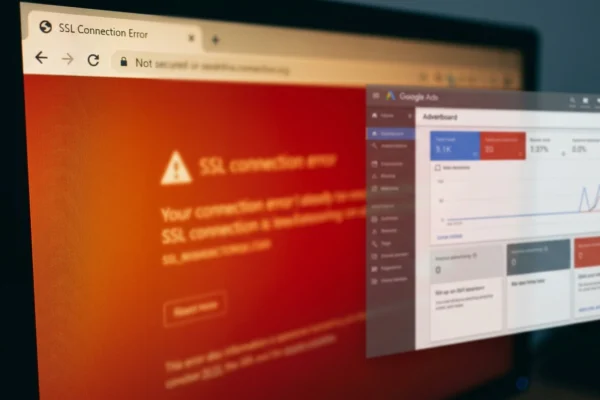
What Happens to Your Ads When Your SSL Expires
Most people think of an SSL certificate as a security feature. The padlock in the browser bar. The “https” prefix.…
Read Article arrow_forward
Website Monitoring for PPC Professionals: A Practical Guide
PPC professionals are among the most data-driven people in digital marketing. They track impression share, Quality Score, conversion rate by…
Read Article arrow_forward
How to Share Live Website Reports with Clients Without a Login
At some point in most client relationships, the question comes up: “How’s the site doing?” It’s a reasonable question. The…
Read Article arrow_forward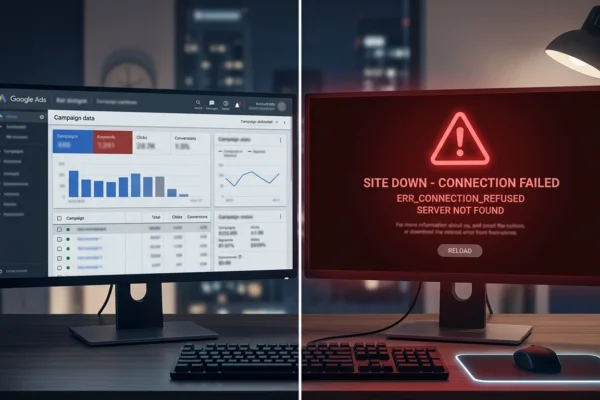
Monitor Landing Pages During Google Ads Campaigns
Google Ads gives you control over almost everything. You can set precise bid limits, define granular audience segments, schedule ads…
Read Article arrow_forward
Why Every Marketing Team Needs Website Monitoring
Marketing teams are extraordinarily good at measuring things. Click-through rates. Conversion rates. Cost per acquisition. Return on ad spend. Quality…
Read Article arrow_forwardTry the Full Kikloper Experience
Get all Solo features free for 14 days, on up to 5 sites. Monitor real websites, receive downtime alerts, track SSL certificates, and generate client-ready reports with no feature restrictions.