
Real-Time Uptime Monitoring
Why It Matters
You lose leads while you sleep
The client finds out first
The portfolio problem
Downtime quietly hurts SEO
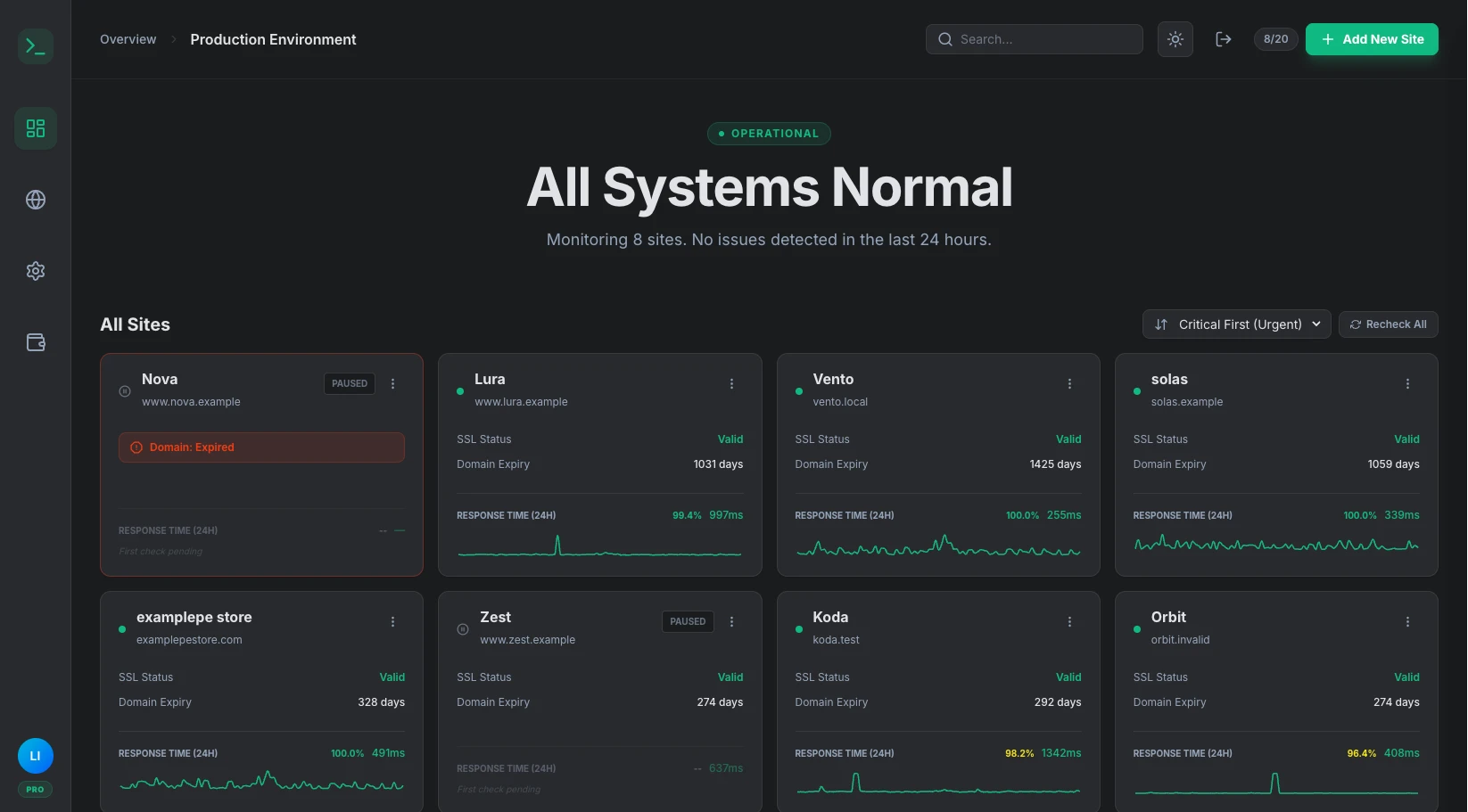
Continuous uptime monitoring for every website you manage.
- checkPlan-based check interval
- checkResponse time tracking
- checkDown / Recovery detection
- checkFull incident history
How to Read Your Performance & Uptime Charts
Understand the colors, status indicators, and bar heights displayed across your Kikloper monitoring dashboard.
Reachable
Your site responded successfully with a healthy HTTP 200 OK status. All checks operational.
Unreachable
The server failed to respond, timed out, or returned a critical error code (500, 502, 503, 404). Instant alert sent.
Unknown
Check in progress, status indeterminate, or site monitoring paused manually by user.
Bar Height
The height of each vertical bar reflects response time (ms). Higher bars indicate latency; shorter bars mean faster loads.
How it works
Add your site
We continuously monitor uptime
You get notified
Related Features
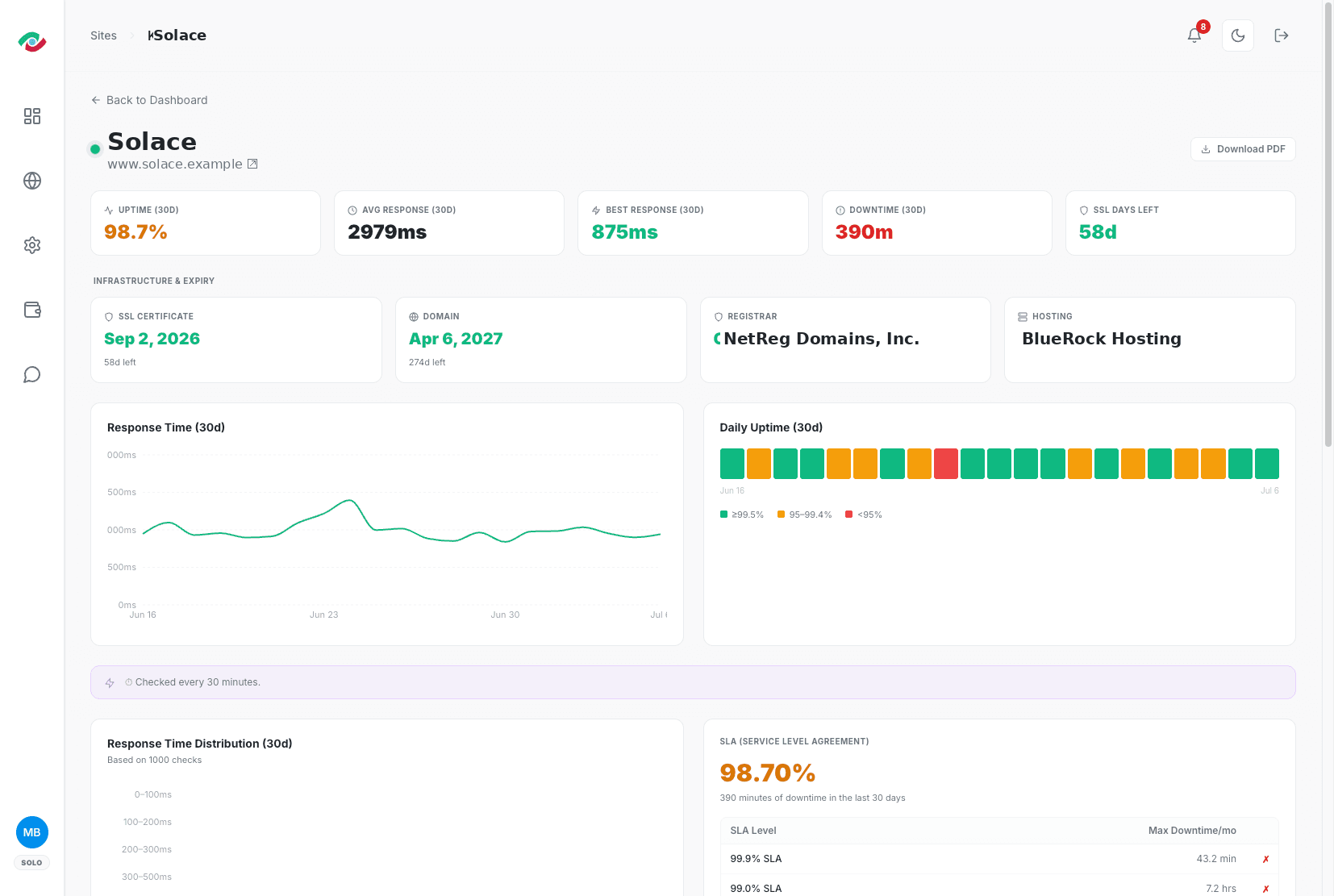
Response Time Monitoring for Every Client Site
See how fast each site really loads — measured on every check, shown in your dashboard and in the client's shareable report.
Learn More arrow_forwardInstant Alerts, the Moment Something Breaks
Email and push notifications the second a site goes down, recovers, or a certificate is about to expire — so you act before your client notices.
Learn More arrow_forwardSSL Certificate Monitoring for Every Client Site
Catch an expiring certificate before it turns a client's site into a red browser warning. Automatic checks, alerts 30, 14, and 7 days out.
Learn More arrow_forwardRelated Resources

How to Monitor 10+ Client Sites Without Losing Your Mind
There’s a version of freelance success that creates its own problem. You’ve built a solid client base. Ten, twelve, fifteen clients on retainer. Each one has a website you’re responsible for. Each website has an SSL certificate, a domain registration, a hosting renewal date, and an uptime status that could change at any moment. All […]
Read Articlearrow_forward
How Agencies Use Uptime Alerts to Protect Campaign Performance
Digital marketing agencies are responsible for their clients’ budgets. When a campaign underperforms, the agency answers for it. When a landing page goes down mid-campaign and nobody notices for three hours, the agency answers for that too — even if the technical failure had nothing to do with their work. This is the reality of […]
Read Articlearrow_forward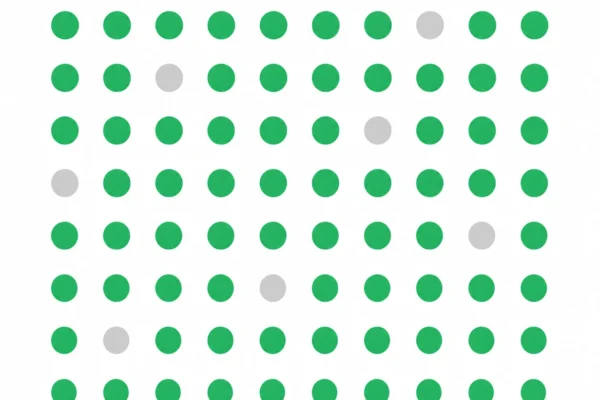
What 90 Days of Uptime Data Actually Proves to a Client
At some point in most freelance retainer relationships, a renewal conversation happens. Sometimes it’s scheduled — an annual review, a contract end date approaching. Sometimes it’s less formal: a client who’s been quietly wondering what they’re paying for decides to ask. In both situations, the freelancer’s job is the same: make the case for continued […]
Read Articlearrow_forwardFrequently Asked Questions
Try the Full Kikloper Experience
Get all Solo features free for 14 days, on up to 5 sites. Monitor real websites, receive downtime alerts, track SSL certificates, and generate client-ready reports with no feature restrictions.