
SSL Certificate Monitoring for Every Client Site
Why It Matters
The browser turns visitors away
Trust and conversions collapse
Auto-renewal isn't foolproof
Ads get disapproved
The portfolio problem
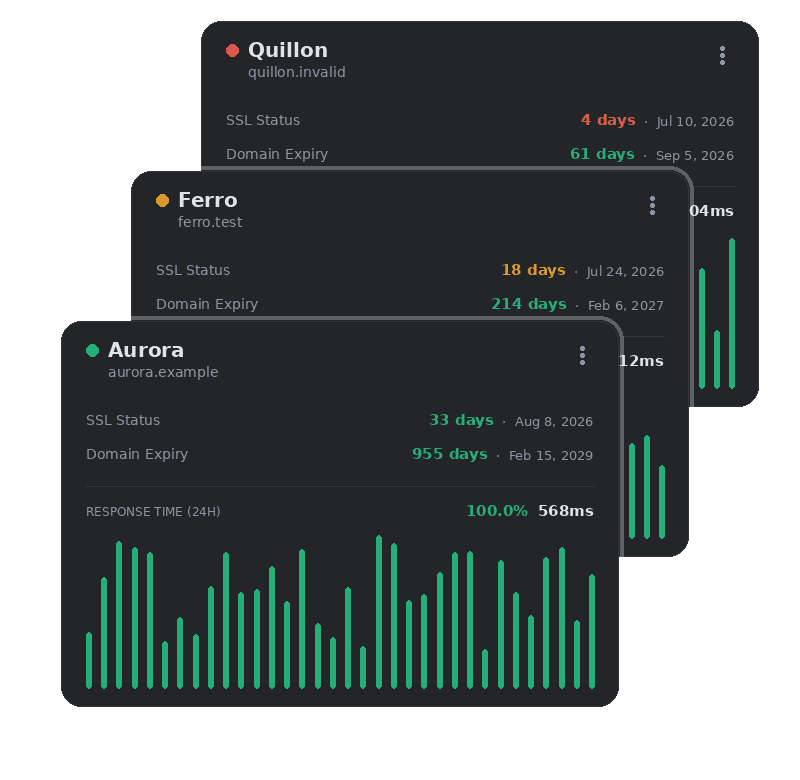
Every certificate, tracked automatically — no manual checks.
- checkFully automated detection
- check30 / 14 / 7-day threshold alerts
- checkOne dashboard for all sites
- check Works across all hosting providers
How it works
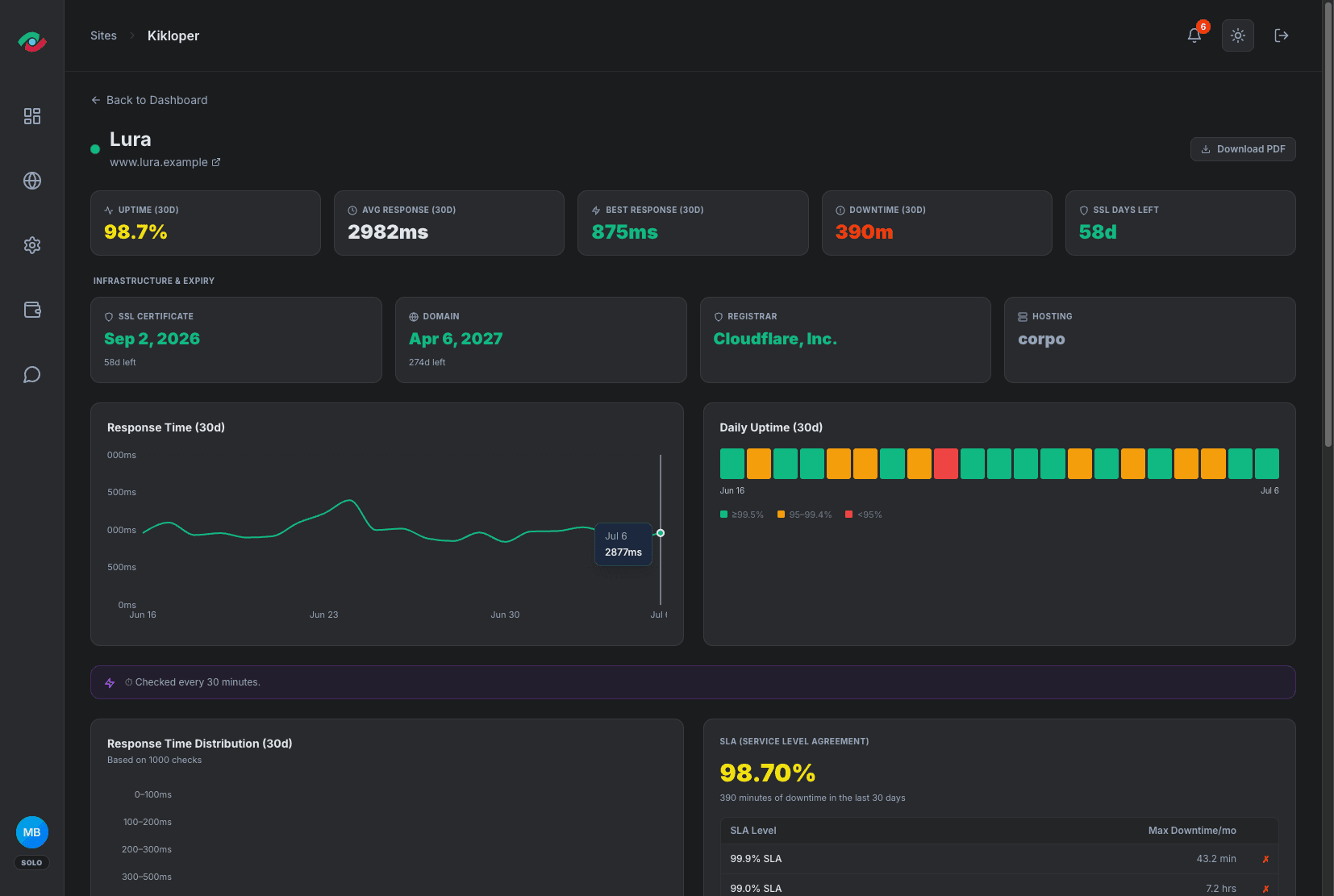
Add your site
We continuously monitor the certificate expiry date
You get alerted in time
Related Features
Domain Expiration Monitoring for Every Client Site
Track domain renewals across your entire portfolio — automatic RDAP monitoring with alerts 30, 14, and 7 days before expiry.
Learn More arrow_forwardHosting Renewal Tracking
The one thing that can't be auto-detected.
Learn More arrow_forwardInstant Alerts, the Moment Something Breaks
Email and push notifications the second a site goes down, recovers, or a certificate is about to expire — so you act before your client notices.
Learn More arrow_forwardRelated Resources

SSL Monitoring: Why Your Certificate Is More Than a Padlock
When most developers think about SSL, they think about security. The certificate encrypts the connection between the visitor’s browser and the server. It prevents data interception. It’s a prerequisite for handling any sensitive information — form submissions, login credentials, payment details. All of that is true. And if security were the only thing an SSL […]
Read Articlearrow_forward
SSL Certificate Expiry: What It Means and How to Never Miss It Again
It starts with a browser warning. Your client’s customer types in the URL, and instead of the homepage, they see a full-screen red alert: “Your connection is not private.” Or “This site’s security certificate has expired.” On some browsers, there’s no easy way to proceed — the site is, for all practical purposes, down. Your […]
Read Articlearrow_forward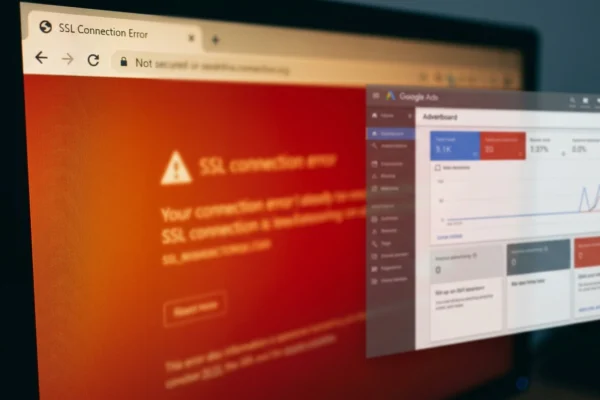
What Happens to Your Ads When Your SSL Expires
Most people think of an SSL certificate as a security feature. The padlock in the browser bar. The “https” prefix. Something the developer handles during setup and doesn’t need to be thought about again. This framing is understandable — and completely wrong for anyone running paid traffic to a website. An SSL certificate isn’t just […]
Read Articlearrow_forwardFrequently Asked Questions
Try the Full Kikloper Experience
Get all Solo features free for 14 days, on up to 5 sites. Monitor real websites, receive downtime alerts, track SSL certificates, and generate client-ready reports with no feature restrictions.