If you’ve ever sent a client a PDF report of their website’s uptime and performance, you already know the feeling. You export the data, format it, write a brief summary, attach it to an email, and hit send — knowing that the moment it arrives, it’s already out of date.
That’s not a workflow problem. That’s a fundamental mismatch between the format and the job it’s trying to do.
Website performance changes every hour, and any report is a picture of one period. What differs is how much work it takes to produce and how easily the client can open it. A PDF means exporting, formatting and attaching; a report link is one step and opens in any browser.
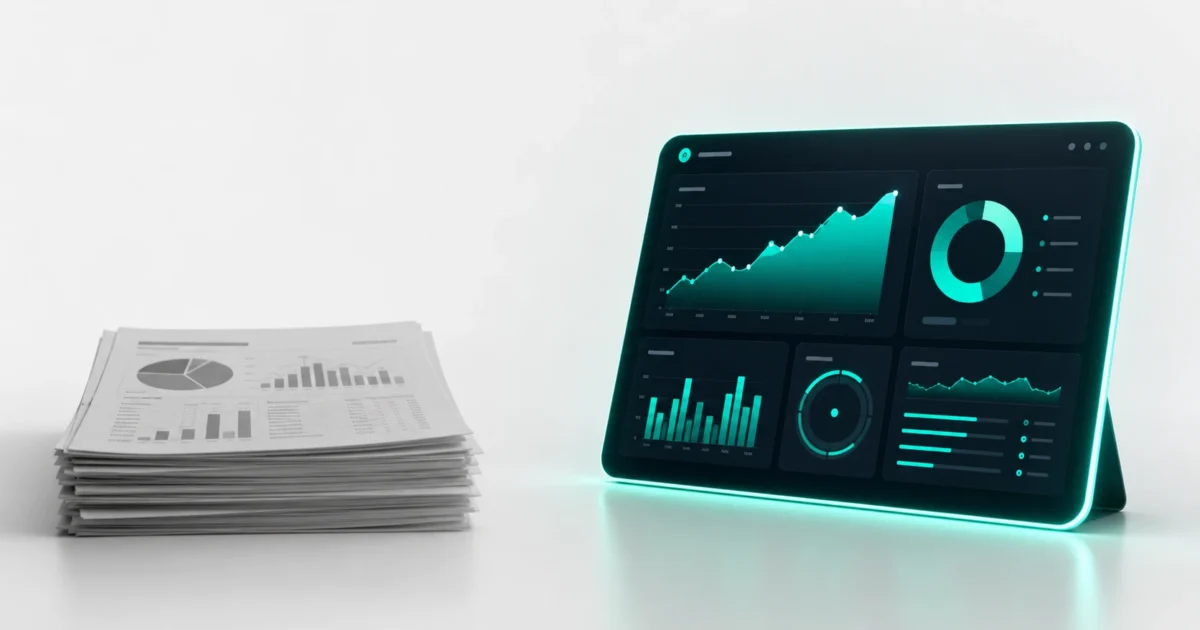
The comparison worth making isn’t PDF versus no reporting. It’s PDF versus a report page — and the differences go well beyond convenience.
What a PDF Report Actually Communicates
A PDF report communicates effort. Someone compiled this, formatted it, and sent it to you. That has value — it signals that the freelancer or developer is paying attention and considers reporting part of their job.
What a PDF doesn’t communicate is access. It sits in an inbox, and the client has to dig it out. A report page can be bookmarked and opened any time, and it always shows the date it was generated.
For most clients, this is fine most of the time. They’re not monitoring their own website obsessively. But there are specific moments when a quick answer matters: right before a product launch, during a marketing campaign, when a stakeholder asks an unexpected question in a meeting. In all of these situations, a client with a PDF has to find the email, or contact you to ask for the report.
A client with a report link has the last 30 days in front of them in thirty seconds.
What a Report Page Actually Communicates
A report page communicates something different from a PDF. It doesn’t just show data — it shows the system behind it.
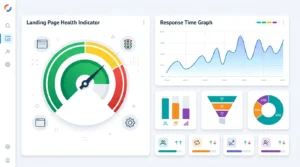
When a client opens a report link, they’re looking at the last 30 days of real monitoring data: uptime, a daily uptime strip, a 7-day response time chart, SSL, domain and hosting expiry with days remaining, and the downtime and incident history. The page shows the date it was generated.
This shifts the relationship dynamic in a subtle but important way. The PDF implies: I checked, here’s what I found. The report page implies: this is being watched, and here is the record from the monitoring itself.
The first is reassuring. The second is demonstrable proof.
Clients who have a report link also tend to ask fewer questions — not because they’re less engaged, but because they can already see the answers. The background anxiety that generates “just checking in” emails goes quiet when the data is one click away.
The Trust Gap
Trust in a client relationship is built on two things: competence and transparency. A PDF report addresses competence — it shows you’re monitoring and you care enough to report. But it doesn’t address transparency well, because the client has no way to verify the data independently or access it outside the reporting cycle.
A report page addresses both. Competence is demonstrated by the monitoring data itself — uptime percentages, incident logs, response time trends. Transparency is demonstrated by making that data accessible to the client without a request.
There’s also a renewal conversation dimension here. When a retainer comes up for review, a client with only PDF reports has to make a decision based on memory and accumulated emails. A client with a report page has the last 30 days in one place — uptime, incident history, SSL status — and a dated report for each period you sent. That’s not a memory. That’s evidence.
Evidence tends to renew retainers. Memory tends to invite renegotiation.
The Practical Comparison
On the workflow side, the difference is even starker.
A PDF report requires time to produce — pulling data, formatting it, writing the summary, attaching and sending. For one client, this might be twenty minutes. For ten clients, it’s several hours of non-billable work every month, forever.
A report page takes one step to generate from the dashboard, and there is nothing to format or attach. When you want fresh numbers, you generate a new report.
The time savings alone justify the format switch. But the trust benefit is the more important part, because it compounds over time. Every month a client has received a report page is another month of demonstrated reliability — quietly building the case for renewal before the conversation even starts.
When PDFs Still Make Sense
There are situations where a PDF has a role: formal quarterly reviews, compliance documentation, deliverables that need to be archived or signed. If a client’s internal processes require a document they can file, a PDF is the right format for that.
But a PDF for the recurring “how’s the site doing” purpose? That’s the wrong tool. The job requires a report that is quick to open and easy to keep, and a link does that better.
Making the Switch
Kikloper includes shareable client report pages on the Solo and Pro plans (and during the 14-day trial). Each report gets a unique public URL showing a snapshot of the last 30 days: uptime percentage and daily uptime strip, a 7-day response time chart, SSL, domain and hosting expiry status, and the downtime and incident history.
No login required for the client. No monthly work required from you. One link that does the job of every status email and PDF report you’d otherwise write.
The Solo plan covers 10 client sites at $4.99/month. The Pro plan adds white-label reporting for $9.99/month — your brand, with no Kikloper branding in sight. Both plans include a 14-day free trial with no credit card required.
A PDF is a snapshot you build by hand. A report link is a snapshot you generate in one step, with no login and no attachment.
Try a report link Generate a report link for one site during the 14-day trial and compare it with the PDF you send today.
Start free trial arrow_forward