

There’s a scenario that happens more often than anyone in digital marketing wants to admit.
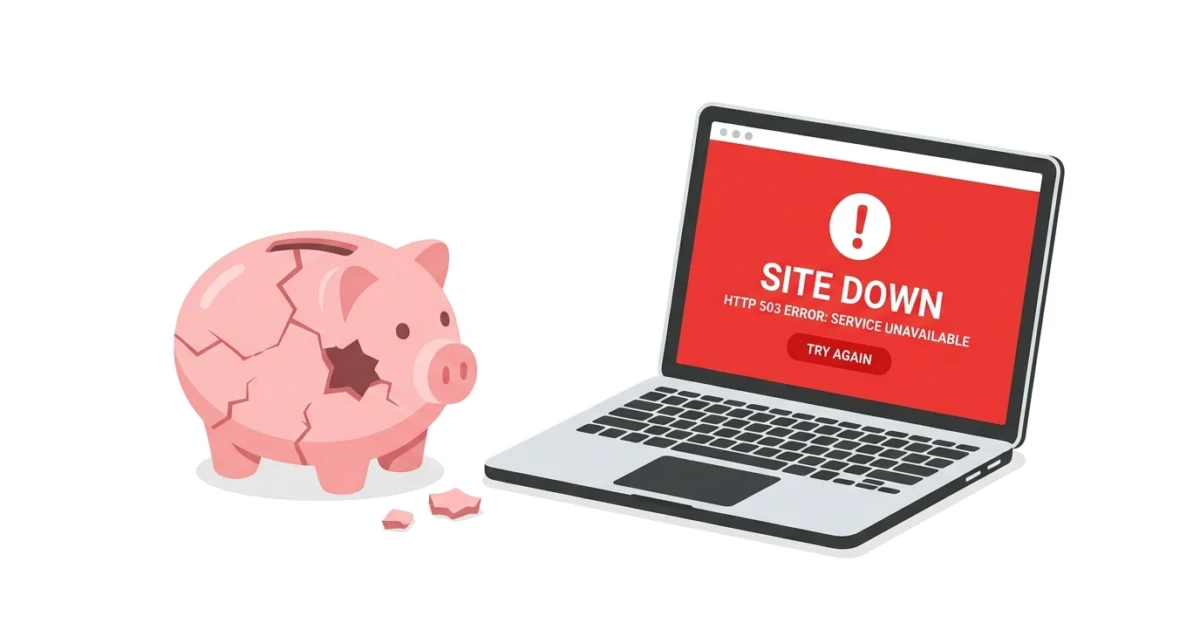
A campaign goes live on Monday morning. The creative is strong, the targeting is dialed in, the bids are competitive. By 10am, traffic is flowing. By 11am, something breaks on the server — a plugin conflict, a hosting issue, a deployment that went wrong. The landing page starts returning errors.
The media buyer is watching the ads dashboard. Impressions are up, clicks are happening. What they’re not seeing is that every one of those clicks is landing on a broken page. Visitors hit an error, bounce immediately, and the platform records the click as spent.
By the time anyone notices — usually when someone manually checks the page, or when conversions suddenly drop to zero — hours of budget have been directed at a destination that wasn’t working.
This is not a rare edge case. It happens to agencies managing multiple client campaigns. It happens to in-house teams during product launches. It happens on Black Friday, during seasonal peaks, on the days when the stakes are highest and the traffic is most expensive.
And it’s entirely preventable.
Why Ad Platforms Won’t Save You
Google Ads, Meta Ads, and every other major paid platform have one job: deliver traffic according to your settings. They don’t check whether the destination is working. They don’t pause when your landing page returns a 500 error. They don’t issue refunds for clicks that went to a broken URL.
The platform’s job ends at the click. What happens after the click — whether the visitor lands on a working page, an error screen, or a redirect loop — is entirely outside the platform’s scope.
This means the responsibility for monitoring the destination sits entirely with the advertiser or agency. And for most teams, that monitoring doesn’t exist in any formal sense. Someone might notice if the site looks wrong when they’re in it. A client might report that something seems off. But there’s no system watching for the moment the landing page stops working, and no automatic alert when it happens.
The Math on Downtime During Campaigns
The cost of landing page downtime during an active campaign isn’t abstract. It’s calculable.
If a campaign is spending £500 per day with a click-through rate that brings 400 visitors to the landing page, that’s roughly £1.25 per visitor. An hour of downtime during peak traffic hours might represent 40–60 lost conversions at whatever that page’s conversion rate would have been — plus the direct spend on clicks that went nowhere.
For a campaign with a high cost-per-click in a competitive vertical, a single hour of undetected downtime can easily mean £300–£500 in wasted spend plus lost revenue from conversions that never happened. Across a month of managing multiple campaigns, even occasional downtime events add up to a meaningful figure.
None of this shows up cleanly in campaign reporting. The clicks were recorded. The spend was logged. The platform did its job. The waste is invisible unless someone is specifically looking for the correlation between downtime events and performance drops.
What Needs to Happen Instead
The gap is simple: someone needs to know the moment a landing page goes down, not when a human checks it or when conversions stop.
This requires automated uptime monitoring — a system that checks the landing page at regular intervals and immediately alerts the right people when it stops responding. Not a daily health check. Not a weekly report. An alert that fires within minutes of the page going down, to whoever needs to act on it.
For a marketing team or agency, “whoever needs to act” typically means the person who can pause the campaign. That’s the key difference from how uptime monitoring is usually discussed in a developer context. A developer who gets an alert needs to fix something. A marketing professional who gets an alert needs to pause spend — an action that takes thirty seconds and saves the entire remaining day’s budget.
The speed of the alert matters enormously. The difference between knowing in five minutes and knowing in two hours is the difference between minimal waste and a significant budget loss.
Setting This Up for Active Campaigns
Kikloper’s real-time uptime monitoring checks landing pages at regular intervals and fires an alert the moment a page stops responding. Multi-channel alerts mean the notification reaches you immediately — email, push notification, or both — rather than waiting for a scheduled report.
For marketing teams managing paid campaigns, the practical setup is straightforward:
Add every active landing page to Kikloper before the campaign goes live. Configure alerts to reach whoever has the authority to pause spend — not just the developer, not just the account manager, but the person who can actually stop the bleeding in the moment. If you’re an agency managing multiple clients, add every client’s active pages to a single dashboard so one glance shows you the status of everything currently running.
When a page goes down, the alert fires. You pause the campaign. The developer fixes the issue. You resume. Total exposure: the few minutes between the outage starting and the alert reaching you — not the hours it would otherwise take to notice.
The Broader Argument
Marketing teams invest significant effort optimizing campaigns: testing creative, refining audiences, improving quality scores, reducing cost per acquisition. All of that optimization is predicated on the destination working.
A landing page that’s down doesn’t just waste the spend directed at it while it’s broken. It distorts the performance data — a campaign that appears to have underperformed during a downtime window carries that distortion into future optimization decisions.
Monitoring the destination is as fundamental as monitoring the campaign. The clicks don’t work without a working page to land on.
Every minute your landing page is down during a campaign, budget burns. Start your free trial at Kikloper — set up monitoring for every active landing page and get alerted the moment something breaks.


