

At some point in most client relationships, the question comes up: “How’s the site doing?”
It’s a reasonable question. The client is paying for a website that’s supposed to be working, and they want occasional confirmation that it is. The problem is how most freelancers answer it.
The answer usually involves writing something — a status update, a monthly email, a PDF report. Sometimes it involves a screen recording. Sometimes it’s just a quick reply: “All good, nothing to report.”
All of these have the same flaw: they require you to do something every time the client asks, and they give the client a snapshot that’s already out of date the moment they receive it.
There’s a better answer. One that you set up once, send a link, and never have to touch again.
The Problem With Every Other Reporting Format
The standard client reporting formats — emails, PDFs, shared documents — are built around a fundamental mismatch. They’re static formats trying to communicate dynamic information.
A site’s uptime percentage changes daily. SSL certificates tick closer to expiry every hour. Response times fluctuate. An incident that happened on Tuesday is resolved by Thursday. Any document or email you produce captures one moment in time, and it’s stale before the client even opens it.
This forces a recurring cycle: client asks, you produce an update, client reads it, repeat next month. The more clients you have, the more time this cycle consumes. And the busier you get, the more this kind of non-billable work gets deprioritized — which means clients start asking more often, not less.
The alternative isn’t a better document. It’s no document at all — just a live URL that does the reporting automatically.
What a No-Login Report Link Actually Looks Like
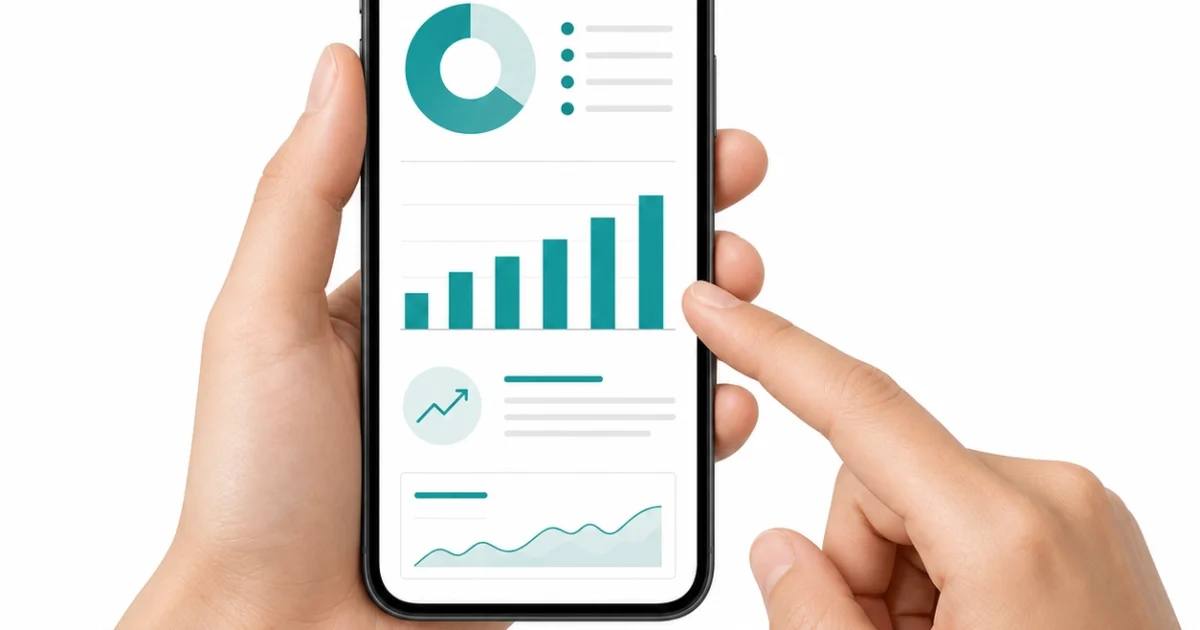
A shareable client report page is a public URL — something like app.kikloper.com/report/[unique-token] — that shows the current health of a monitored website. No Kikloper account required to view it. No password. No app to install. Just a link that opens in any browser and shows live data.
What the client sees when they open it:
- Uptime percentage across the last 30, 60, and 90 days, with a visual chart
- Current site status — up or down, right now
- Response time data showing how fast the site is loading over time
- SSL certificate status and days remaining until expiry
- Incident log showing any downtime events with timestamps, duration, and resolution
Everything updates automatically as monitoring continues. The client can bookmark the link and check it whenever they want — before a board meeting, before a product launch, before a renewal conversation. You don’t do anything for any of those checks.
How to Set It Up
The setup takes about five minutes per client site.
Add the client’s website to Kikloper’s monitoring dashboard. Monitoring starts immediately — uptime checks, response time logging, SSL tracking. Once the site is being monitored, open the site settings and enable the client report page. Kikloper generates a unique public URL.
Copy that URL and send it to the client once. The message can be as simple as: “Here’s a live link showing how your site is performing — uptime, SSL, response times, all in one place. It updates automatically, so it’s always current.”
That’s the last reporting task you’ll do for that client, unless they have a specific question the page doesn’t answer.
Why This Works Better Than Any Alternative
The no-login report link outperforms every other reporting format on the dimensions that actually matter to clients.
Currency. A PDF from last month tells a client nothing about whether their site is up right now. A live link always shows current data.
Accessibility. No account, no app, no email chain to search through. The client opens a browser, clicks the bookmark, sees the data.
Credibility. A live data feed is harder to dismiss than a verbal assurance. “The site has been running well” is something anyone can say. A page showing 99.8% uptime over 90 days, with a complete incident log, is verifiable evidence.
Scalability. Generating a PDF for ten clients takes ten hours of monthly work. Ten live report links, set up once, take zero ongoing time.
The White-Label Option
For freelancers who want the report page to feel like their own service rather than a Kikloper product, the Pro plan includes white-label client reports. The same live data, but with your agency name and logo instead of Kikloper branding.
For agencies where client perception of professionalism matters — and it usually does — this is the version worth using. The client experiences a branded reporting service, not a third-party tool their freelancer happens to use.
Making This Part of Every Client Handoff
The most effective time to share a report link is at project handoff, not months into the relationship when a client starts asking questions.
When a site goes live, include the report link in the delivery email alongside login credentials, documentation, and any other handoff materials. Frame it as part of the service: “This link shows live monitoring for your site. Bookmark it — it updates automatically.”
Clients who receive the link at handoff rarely ask for status updates later. They already have the answer available whenever they want it. The question “how’s the site doing?” stops being a recurring task and becomes something the client can answer themselves.
One link. Set up once. No more status update emails. Start your free trial at Kikloper and generate a live report page for your first client site today.


