
SSL Certificate Monitoring for Every Client Site
Catch an expiring certificate before it turns a client's site into a red browser warning. Automatic checks, alerts 30, 14, and 7 days out.
An expired certificate breaks a site loudly and instantly. The moment an SSL certificate lapses, browsers replace the site with a full-screen "Not Secure" warning. Visitors bounce, forms stop converting, and the client assumes their site is hacked. And like domains, certificate renewal reminders land in inboxes nobody watches.
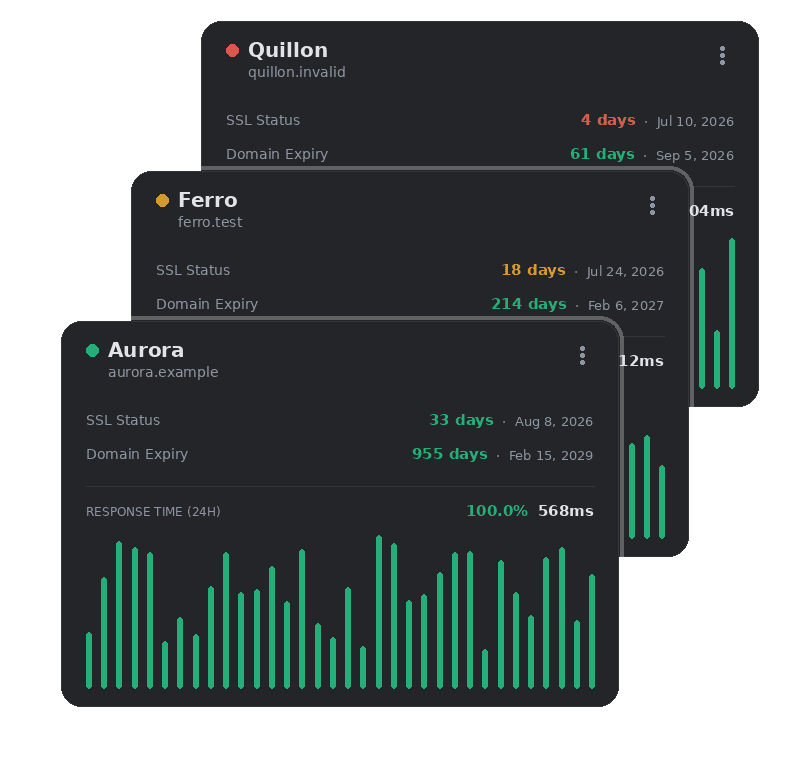
Every certificate's expiry date, tracked on every check. Kikloper reads each site's SSL expiry date directly during monitoring and alerts you 30, 14, 7, 3, and 1 day before it lapses — with enough lead time to renew calmly instead of firefighting.
Why It Matters
The browser turns visitors away
An expired cert triggers a full-page "Not Secure" / "Your connection is not private" warning. Most visitors leave immediately — the site is effectively down.
Trust and conversions collapse
No one enters a card number or a login on a site the browser flags as unsafe. For a client's business, that's lost revenue, not just a warning.
Auto-renewal isn't foolproof
Let's Encrypt and cPanel auto-renew — until a cron job fails, a DNS check breaks, or a config changes. "It renews itself" is exactly how expired certs sneak through.
Ads get disapproved
Google and Meta can disapprove ads pointing at a site with an invalid certificate, quietly killing a campaign mid-flight.
The portfolio problem
20 client sites means 20 certificates on 20 different renewal cycles. One dashboard watching all of them beats hoping every auto-renewal fires.
Every certificate, tracked automatically — no manual checks.
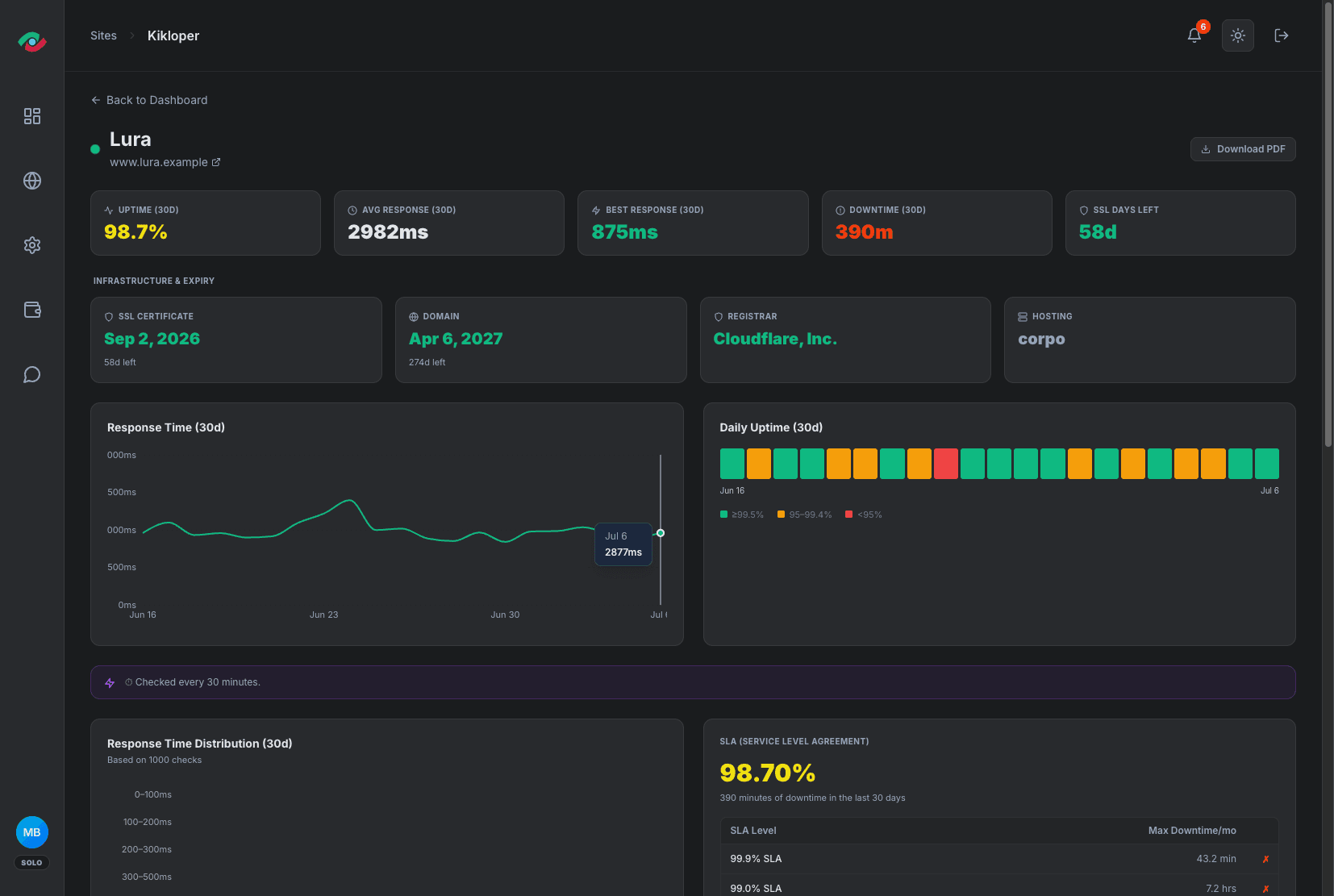
Kikloper automatically reads every SSL certificate, detects its expiration date, and keeps tracking it until renewal.
- checkFully automated detection
- check30 / 14 / 7-day threshold alerts
- checkOne dashboard for all sites
- check Works across all hosting providers
How it works
Add your site
Kikloper reads the SSL certificate the moment you add a site — no manual entry needed.
We continuously monitor the certificate expiry date
The exact expiration date is calculated and monitored continuously.
You get alerted in time
Email and push notifications at 30, 14, and 7 days before expiry.
Related Features
Domain Expiration Monitoring for Every Client Site
Track domain renewals across your entire portfolio — automatic RDAP monitoring with alerts 30, 14, and 7 days before expiry.
Learn More arrow_forwardHosting Renewal Tracking
The one thing that can't be auto-detected.
Learn More arrow_forwardInstant Alerts, the Moment Something Breaks
Email and push notifications the second a site goes down, recovers, or a certificate is about to expire — so you act before your client notices.
Learn More arrow_forwardRelated Resources

SSL Monitoring: Why Your Certificate Is More Than a Padlock
When most developers think about SSL, they think about security. The certificate encrypts the connection between the visitor’s browser and the server. It prevents data interception. It’s a prerequisite for handling any sensitive information — form submissions, login credentials, payment details. All of that is true. And if security were the only thing an SSL […]
Read Articlearrow_forward
SSL Certificate Expiry: What It Means and How to Never Miss It Again
It starts with a browser warning. Your client’s customer types in the URL, and instead of the homepage, they see a full-screen red alert: “Your connection is not private.” Or “This site’s security certificate has expired.” On some browsers, there’s no easy way to proceed — the site is, for all practical purposes, down. Your […]
Read Articlearrow_forward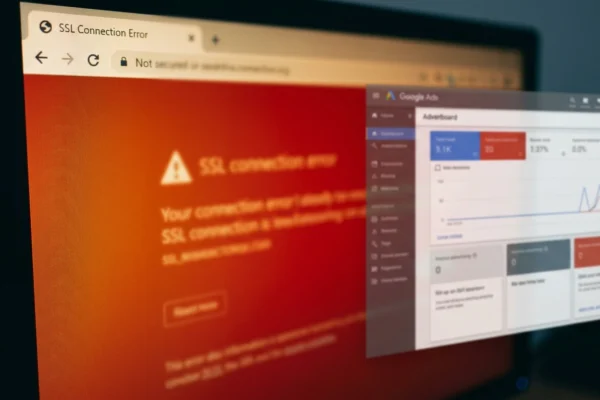
What Happens to Your Ads When Your SSL Expires
Most people think of an SSL certificate as a security feature. The padlock in the browser bar. The “https” prefix. Something the developer handles during setup and doesn’t need to be thought about again. This framing is understandable — and completely wrong for anyone running paid traffic to a website. An SSL certificate isn’t just […]
Read Articlearrow_forwardFrequently Asked Questions
No. Kikloper detects and tracks your certificate's expiry date and alerts you before it runs out — renewal still happens through your certificate provider or hosting panel.
Yes. Kikloper reads the certificate directly from your site, so it works regardless of which authority issued it.
Yes. SSL detection and expiry alerts are included on every plan, including Free.
When an SSL certificate expires, browsers display security warnings that can prevent visitors from accessing your website with confidence. This can reduce trust, impact conversions, and trigger support requests. Kikloper helps you avoid unexpected expirations by monitoring every certificate and sending alerts before renewal is due.
At 30, 14, 7, 3, and 1 day before expiry, so you can coordinate renewal without a last-minute scramble.
Usually — until it isn't. Auto-renewal fails silently more often than people expect (cron issues, rate limits, DNS changes). Monitoring is the safety net that catches the failure.
It reads the certificate directly during the monitoring check (via the TLS handshake), so the date comes from the live certificate, not a manual entry.
Yes - Kikloper reads the certificate presented by the site, whatever its type.
Try the Full Kikloper Experience
Get full access to the Solo plan for 14 days. Monitor real websites, receive downtime alerts, track SSL certificates, and generate client-ready reports with no feature restrictions.