

Most people think of an SSL certificate as a security feature. The padlock in the browser bar. The “https” prefix. Something the developer handles during setup and doesn’t need to be thought about again.
This framing is understandable — and completely wrong for anyone running paid traffic to a website.
An SSL certificate isn’t just a security credential. It’s a prerequisite for your ads to run, your landing pages to load, and your Quality Scores to stay intact. When it expires, the consequences cascade through every paid channel you’re operating — immediately, and often silently.
Here’s exactly what happens.
Google Blocks Your Ads
This is the most direct consequence and the one that hits hardest in the moment.
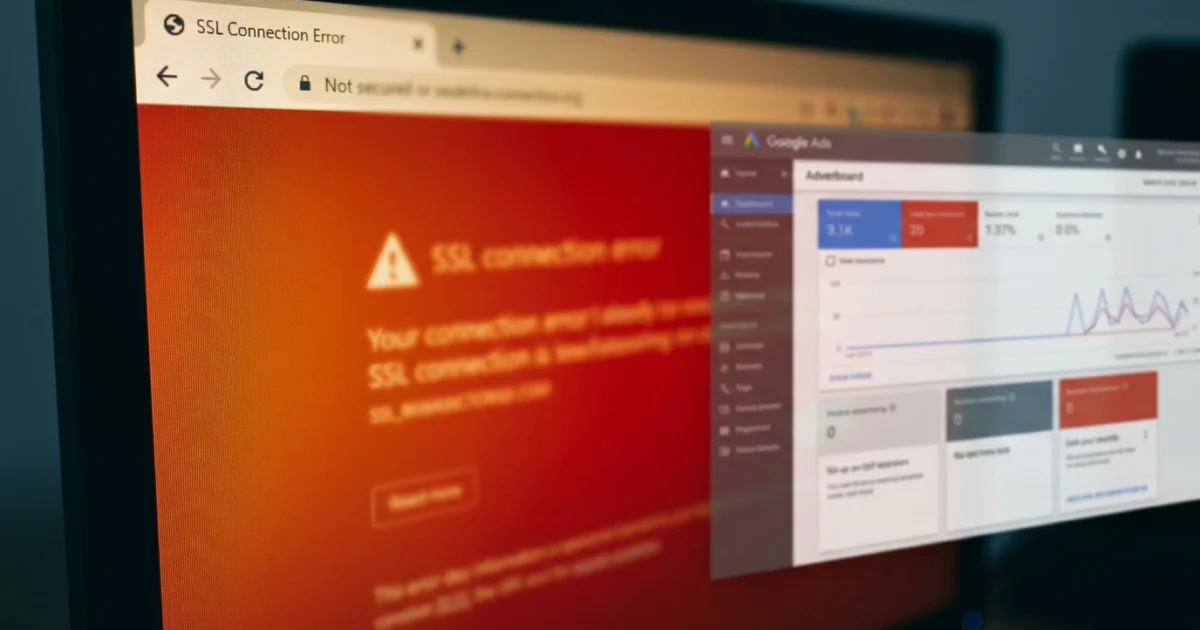
Google Ads has a landing page policy that requires destination URLs to be accessible and functional. A page with an expired SSL certificate returns a browser security error — typically a “Your connection is not private” warning — which Google classifies as an inaccessible landing page.
When Google crawls your landing page URL and encounters this error, your ads are disapproved. Not paused. Not flagged for review. Disapproved — which means they stop serving immediately.
Depending on how quickly you notice, this can mean hours or days of zero impressions during an active campaign. If the SSL expires during a high-spend period — a product launch, a seasonal promotion, a time-sensitive offer — the timing couldn’t be worse. The campaign is fully set up, the budget is allocated, the targeting is configured, and none of it runs because the landing page has a certificate error.
Reapproval after fixing the SSL typically takes 24–48 hours for Google to re-crawl and reinstate the ads. The window between expiry and full reinstatement is dead time with zero campaign activity.
Your Quality Score Takes Damage
Quality Score degradation is the slower-burning consequence — and in some ways the more expensive one, because it outlasts the SSL issue itself.
Quality Score is calculated partly based on landing page experience. A page returning a security error is the worst possible landing page experience signal: it’s not just slow or poorly designed, it’s completely inaccessible. Google registers this as a severe negative signal.
Once Quality Score drops, it affects the campaigns associated with that landing page even after the SSL is renewed and the ads are reinstated. You’ll pay higher CPCs for the same ad positions you were previously holding, and your impression share may contract. Recovering Quality Score takes time — weeks in some cases — during which every click costs more than it should.
The financial impact of a Quality Score drop extends well beyond the period of actual downtime. You’re paying for the SSL expiry long after the certificate has been renewed.
Visitors Who Do Reach the Page Don’t Convert
Not every visitor respects the browser warning. Some click through anyway — particularly on desktop Chrome where the “proceed anyway” option is visible. But the conversion impact of an SSL error page is severe regardless.
Browser security warnings are designed to stop people. The warning is full-screen on most browsers, uses alarming language (“attackers might be trying to steal your information”), and requires active effort to dismiss. For the visitors who do proceed, the experience has already established profound distrust of the page they’re about to land on.
For paid traffic — where every click represents spend and the expectation is that the destination will convert — this is catastrophic. You’ve paid for the click. You’ve lost the conversion. And you’ve created a negative brand association in the visitor’s mind that doesn’t disappear when the SSL is renewed.
The Problem Is That SSL Expiry Is Predictable — and Still Gets Missed
This is what makes SSL-related ad disruptions particularly frustrating: they’re entirely preventable. SSL certificates expire on a fixed, known date. There is no ambiguity. No unexpected failure. The date is set when the certificate is issued, and the only way the expiry causes a problem is if nobody is watching for it.
The reason it gets missed is structural. SSL renewal is typically handled by whoever set up the hosting — a developer, an agency, a previous contractor. The marketing team running the ads is often entirely disconnected from the infrastructure side. The hosting provider sends a renewal reminder email, it lands in someone’s inbox (or spam folder), and by the time the campaign team finds out the certificate has expired, the ads are already down.
The fix is independent monitoring — a system that watches the SSL expiry date on your landing pages and alerts you with enough lead time to renew before the campaign is affected.
Setting Up SSL Monitoring for Paid Campaigns
Kikloper’s automated SSL expiry tracking monitors the certificate on every URL you add and sends alerts at 30, 14, and 7 days before expiry — enough lead time to renew through any hosting provider without urgency.
The alerts go to whoever needs to act on them. For a marketing team running ads, that means the person who manages the campaign relationship — not just the developer who handles renewals. If the certificate is approaching expiry and renewal hasn’t happened, the campaign manager knows in advance, not after the ads stop running.
This sits alongside real-time uptime monitoring and instant downtime alerts in the same dashboard — so SSL is one part of a complete picture of landing page health, not a separate thing to track separately.
For agencies managing multiple client campaigns across multiple domains, every SSL expiry date is visible in one place. No more relying on individual hosting providers’ reminder emails. No more discovering an expired certificate from a disapproved ad notification.
Solo plan covers 10 URLs at $5/month. 14-day free trial, no credit card required.
An expired SSL stops your ads, damages your Quality Score, and costs you conversions. It’s also completely preventable. Start your free trial at Kikloper and set up SSL expiry alerts for every active landing page today.


