

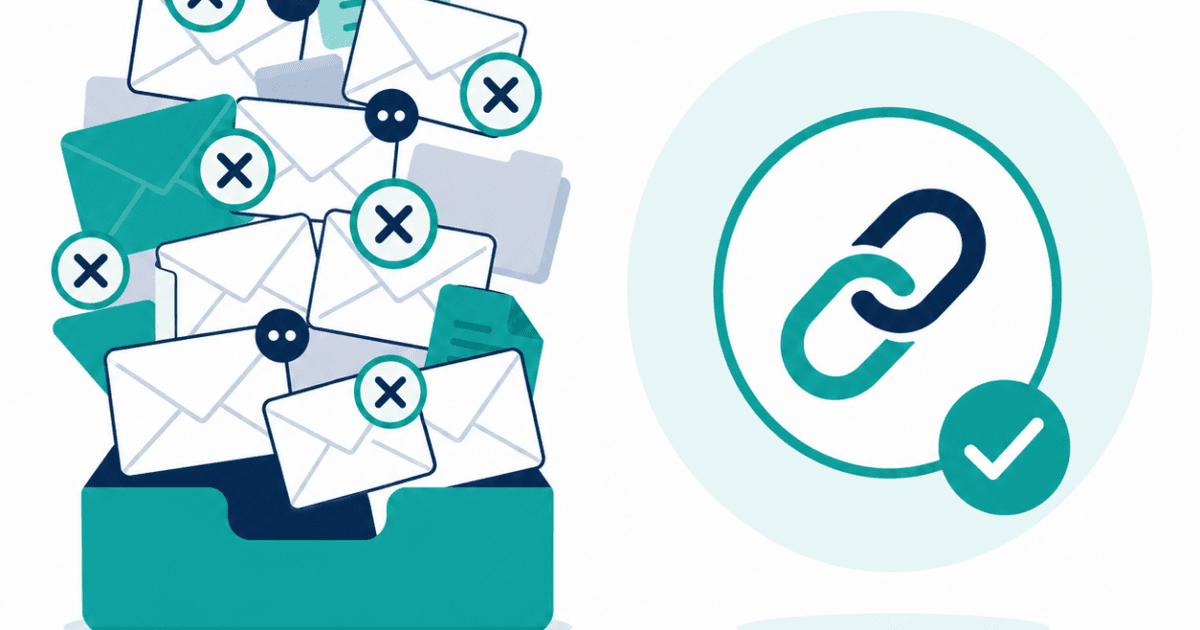
If you manage websites for clients on a monthly retainer, you’re probably writing some version of this email right now. Or putting it off until you get around to it. Or quietly hoping the client doesn’t ask.
“Hi [Client], just a quick update on how things are going with the site. Everything has been running smoothly this month — no downtime that I’m aware of, SSL is fine, performance has been good. Let me know if you have any questions.”
It takes ten minutes to write. It communicates almost nothing specific. And you write a version of it every month, for every client.
There’s a better way to do this, and it doesn’t involve writing anything at all.
What’s Wrong With Status Emails
The status update email is a solution to a real problem: clients want to know their website is being looked after, and they want occasional reassurance that everything is fine.
The problem is that the email format is a terrible fit for this job.
An email is a snapshot — it describes a moment in time, and it’s stale the instant you hit send. A client who receives your monthly update on the first of the month and then wonders about their site on the fifteenth has to wait, ask, or just assume everything is still fine. The email has already expired.
Email is also vague by nature. “Everything has been running smoothly” is your assessment, based on your monitoring. The client has no way to evaluate it independently, no data behind it, no way to know whether “running smoothly” means “zero incidents” or “one brief blip that resolved itself.” They have to take your word for it — which is fine, until the relationship develops some friction, or until they start comparing your reporting to an agency that shows them actual data.
And fundamentally, writing status emails is work that doesn’t scale. Two clients, it’s fine. Eight clients, it’s an evening. Fifteen clients, it’s something you dread.
What to Do Instead
The alternative is a live, shareable report page — a URL you send a client once, which always shows current data without you touching it again.
Here’s how this works with Kikloper.
Step 1: Add the Client’s Site to Kikloper
Log into your Kikloper dashboard and add the client’s website as a monitored URL. Kikloper immediately begins checking uptime at regular intervals, measuring response times, and tracking the SSL certificate and domain expiration dates.
This step takes about two minutes. From this point, monitoring runs continuously in the background — you don’t need to do anything to maintain it.
Step 2: Enable the Client Report Page
Inside the site’s settings, find the client report page option and enable it. Kikloper generates a unique, publicly accessible URL — something like app.kikloper.com/report/[unique-id].
This page is live and always current. It shows:
- Uptime percentage over the last 30, 60, and 90 days
- A response time chart
- SSL certificate status and days until expiry
- A full incident log with timestamps for any downtime events
It requires no login for the client. There’s no Kikloper account they need to create or manage. The page just works.
Step 3: Send the Link Once
This is the only email you need to write. Something like:
“Hi [Client], I’ve set up a live monitoring page for your site where you can check uptime, performance, and security status anytime. Here’s the link: [URL]. This updates automatically, so it always shows current data — no need to ask me for a status update.”
That’s it. One email. No more monthly updates to write.
The page updates itself as monitoring continues. When the SSL certificate gets closer to renewal, the page shows it. If there’s a downtime incident, it appears in the incident log with timestamps. When everything is running fine, the page shows exactly that — a clean uptime percentage and a record of no incidents.
What Clients Actually Do With This
Most clients check the link a few times when they first receive it, then bookmark it and forget about it — in the best possible way. The act of having the link changes their relationship to the question of whether their site is running. Instead of wondering and occasionally emailing you, they can look for themselves.
The ones who do check it regularly usually do so before conversations where site performance might come up — before a big marketing campaign, before a quarterly review, before a renewal conversation. In every one of these situations, seeing clean uptime data is better for your relationship than hearing a verbal assurance.
There’s also a less obvious benefit: when clients have access to real data, they stop asking about things they can already see. The low-level background anxiety that generates “quick check-in” emails — on both sides of the relationship — tends to go quiet.
What About Explaining the Numbers?
New clients sometimes ask what the numbers mean. Uptime percentage is self-explanatory for most people. SSL expiry is new territory for some, but the page makes it clear in plain language. Response time might need a sentence of context the first time.
This is a one-time conversation, not a recurring one. And it’s a better conversation to have than “trust me, everything’s fine” repeated indefinitely.
Making the Switch
If you’re currently writing monthly status emails to any client, you can replace that process today.
Kikloper includes shareable client report pages on every plan. The Solo plan covers 10 client sites for $5/month — less than the hourly rate most freelancers charge for a fraction of the time monthly reporting takes.
The 14-day free trial requires no credit card. Set up monitoring for your first client, enable the report page, and send them the link. That’s the last status update email you’ll write for that client.
One link. Zero monthly emails. Happy clients. Start your free trial at Kikloper and replace your status update emails today.


